01
Online booking
A clear route to a confirmed round.
Golfers see genuine availability, choose their group and arrive at a clear commitment without creating an account.

How Birdii works
Birdii helps Clubhouse Managers turn every golfer commitment into a clearer, calmer day for the course team.
One golf day, connected
Booking, day-of work and course rules all stay in one clear rhythm—rather than living across separate tools.
Online booking
Golfers see genuine availability, choose their group and arrive at a clear commitment without creating an account.
The live tee sheet
Online reservations, phone calls, walk-ins and open player spots share one live view of the day.
Course rules
Intervals, rates, closures and booking policies drive both what golfers see and what the clubhouse runs.
Payments & updates
Payment status, private booking management and useful reminders stay beside the reservation when they matter.
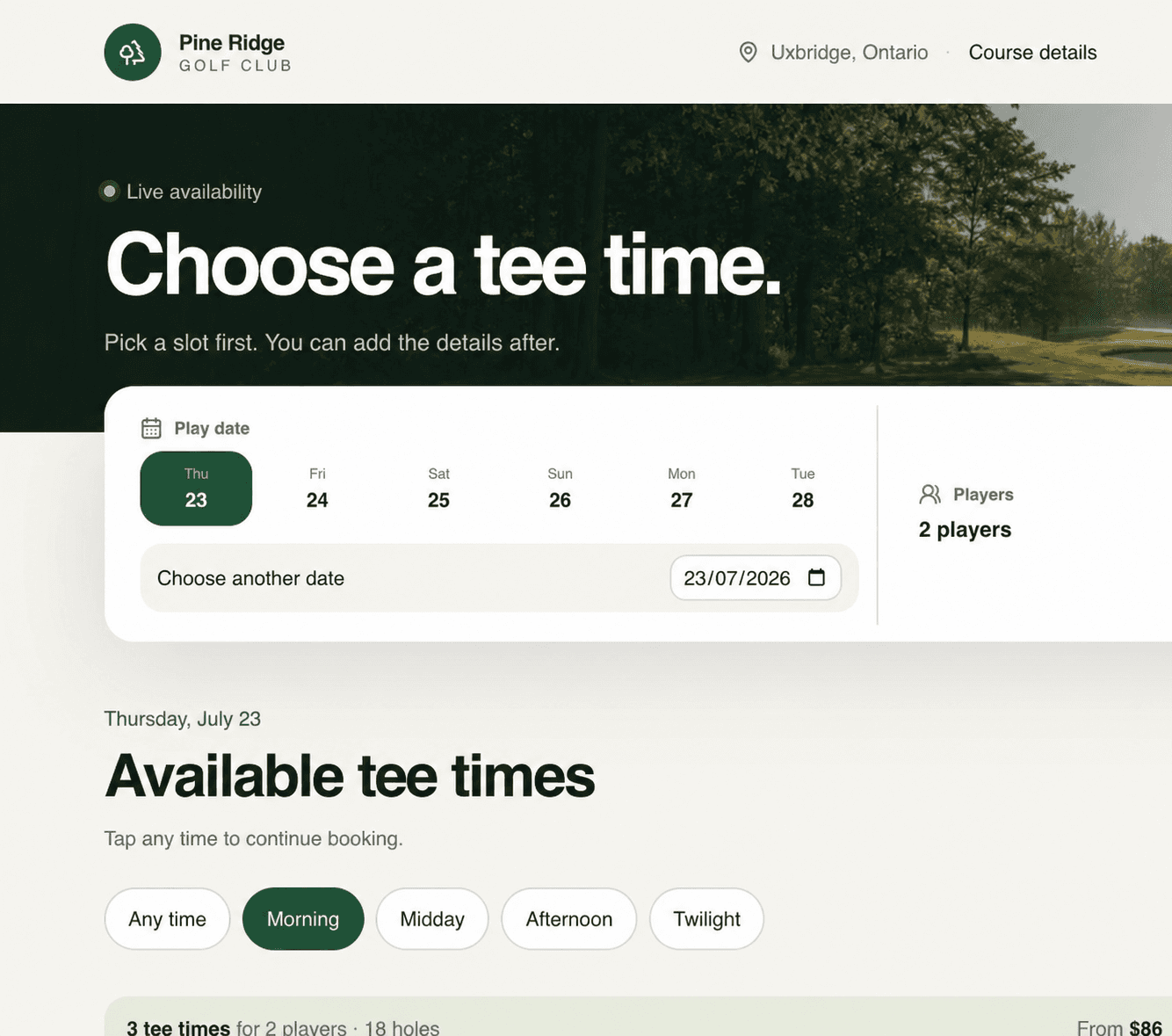
For the golfer
Give golfers live availability, a simple way to join open player spots, and a clear route to a confirmed round. The same booking reaches the tee sheet your team uses.

For the clubhouse
See online bookings, calls, arrivals, payment status and available places together. Staff can answer the next question without searching for the latest version of the day.
Launching Birdii
A useful operating system follows the real rules and rhythms of the course. Birdii’s launch path starts there.
Step 1
Bring together your tee intervals, rates, booking window, carts and exceptions.
Step 2
Set the source of truth behind every available tee time and booking policy.
Step 3
Use Birdii as a full booking journey or place it inside the site golfers already know.
Step 4
Walk the team through phone bookings, arrivals, changes and open player spots.
Step 5
Let one live operating view keep the course, golfers and staff in step.
Questions operators ask
Yes. Birdii can power a full booking page or live inside your existing course website while staying connected to the same tee-sheet inventory.
No. Golfers can choose a time and complete their booking without creating an account.
Yes. The live tee sheet supports staff-assisted reservations, open player spots, booking changes and check-ins.
Course setup controls the rules behind inventory, including operating hours, intervals, closures, exceptions, rates and booking policy.
See it against your course day
In a focused walkthrough, we’ll look at your booking rules, pro-shop work and the day your team needs to run.